New Limited EZT Tees
đź”§ EZT Installation Guides

Eurozone Tuning

VW Retrofits Guide Page

VW Head Unit Retrofit Guide

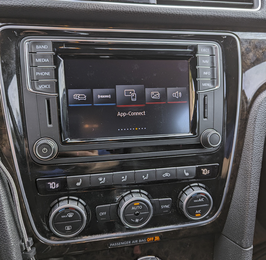
Choose the right VW radio upgrade

Select your Volkswagen below and this page will show the main radio upgrades first, then your camera options, then the extra parts you may need depending on what your car already came with.

The goal is to make the upgrade path obvious. Bigger screen. Better performance. Navigation if you want it. CarPlay support where applicable. Clear notes if your car needs extra wiring, a glovebox brain unit setup, or accessory parts.

 Clear upgrade paths  OEM parts  Install guides linked  Extra parts explained

What happens after you select your car

1.Main radio upgrades appear first, since that is the core decision.
2.Camera upgrades sit inside a glowing dropdown so the page stays cleaner.
3.Additional parts sit in their own glowing dropdown so customers can open only what they need.
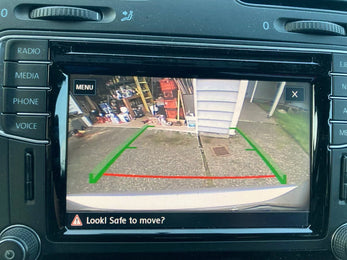
4.Important notes will call out common things like 2015 MIB1 setups, Fender compatibility, glovebox brain unit requirements, and CarPlay wiring needs.

Select Your Volkswagen

Start with the platform. Then choose your model and trim. The recommendations below will update automatically.

Select your platform, model, and trim to load the correct radio, camera, and accessory recommendations.
Once you choose your VW above, the page will load your best radio options first, then your camera upgrades, then the extra parts you may need.

Selected Vehicle

Important notes for this setup

Main Radio Upgrades

The first section that appears for every vehicle. These are the main upgrade paths.

0 options
đź“·

Camera Upgrades

Click to open rear camera options, camera type differences, install difficulty, and guide links.

+
đź§©

Additional Parts You May Need

Click to open the extra parts section for wiring, glovebox parts, USB CarPlay wiring, and other install-specific needs.

+
If your car has an uncommon factory setup, previous retrofit work, or you are unsure whether you have a glovebox brain unit, contact EZT before ordering and include your exact year, model, trim, and current radio setup.


Clicky